Owners and due days
Lane flags late steps.
Connected FP&A with Lane, your AI analyst. Validate actuals, consolidate reporting, and forecast faster, with your team in control.
QuickBooks · NetSuite · Xero · Excel · Google Sheets
Want us to run it for you? See Outlane’s finance teamHow it works
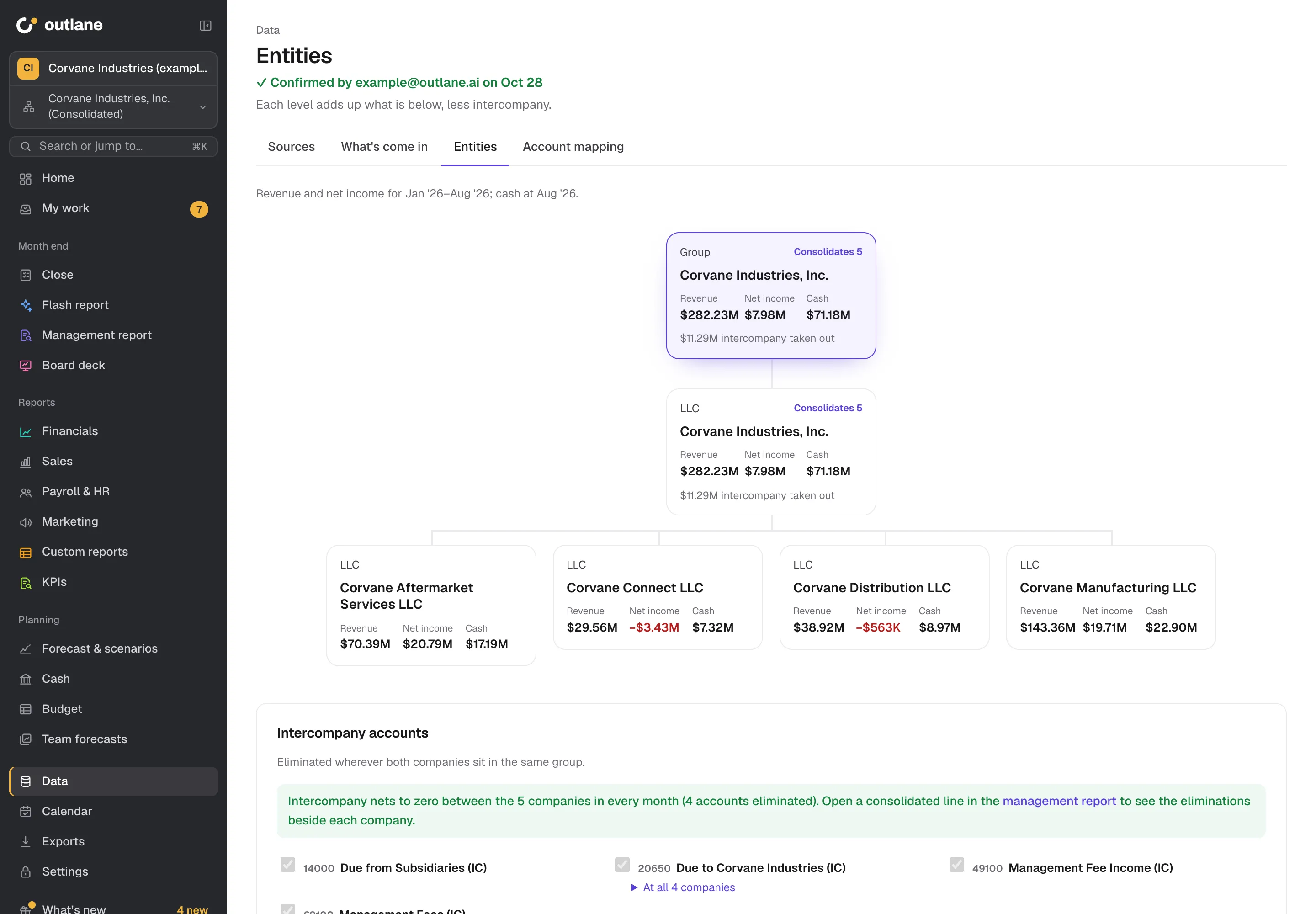
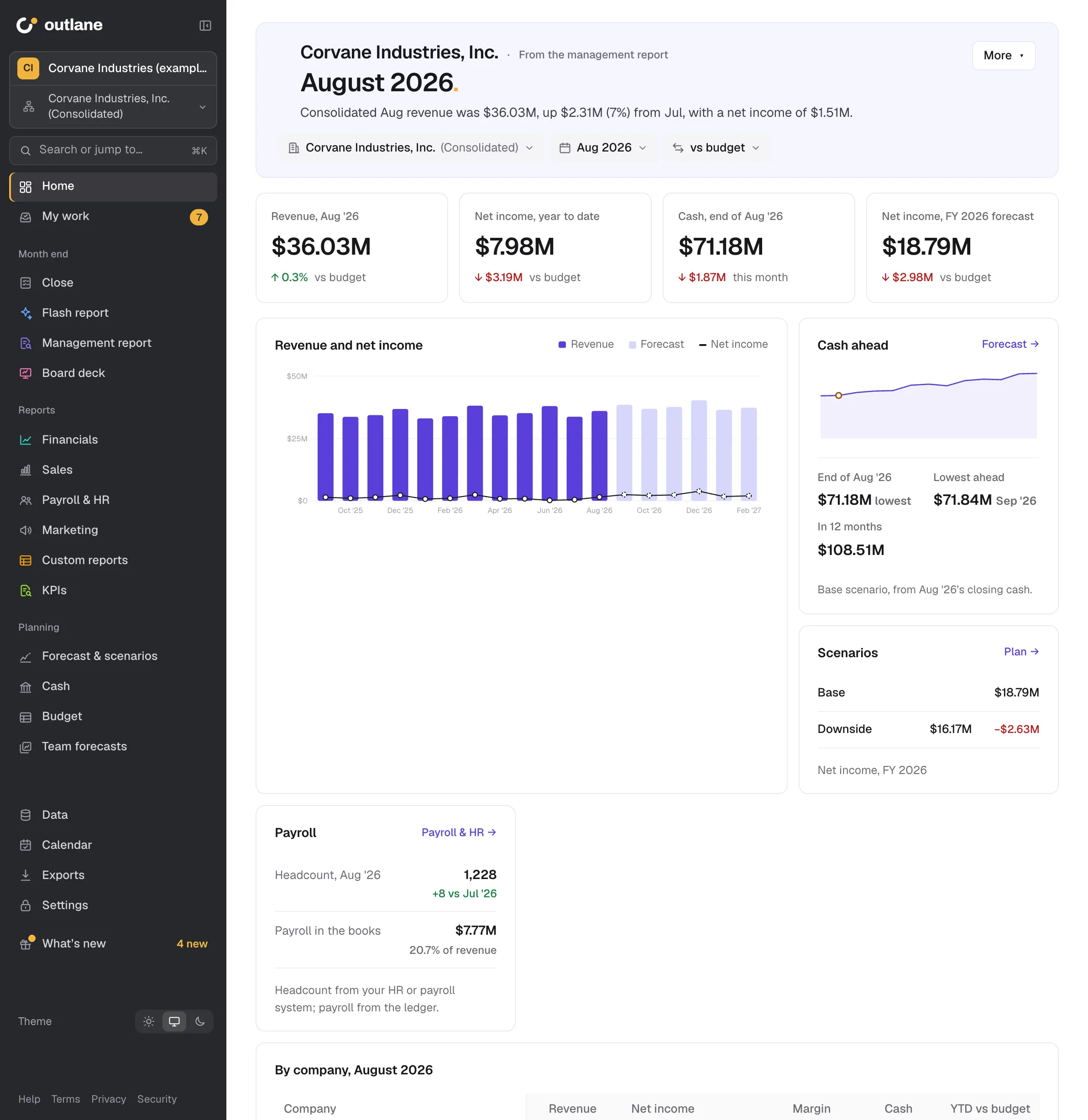
Close to board
Every step has an owner. Nothing is reported until the numbers tie.
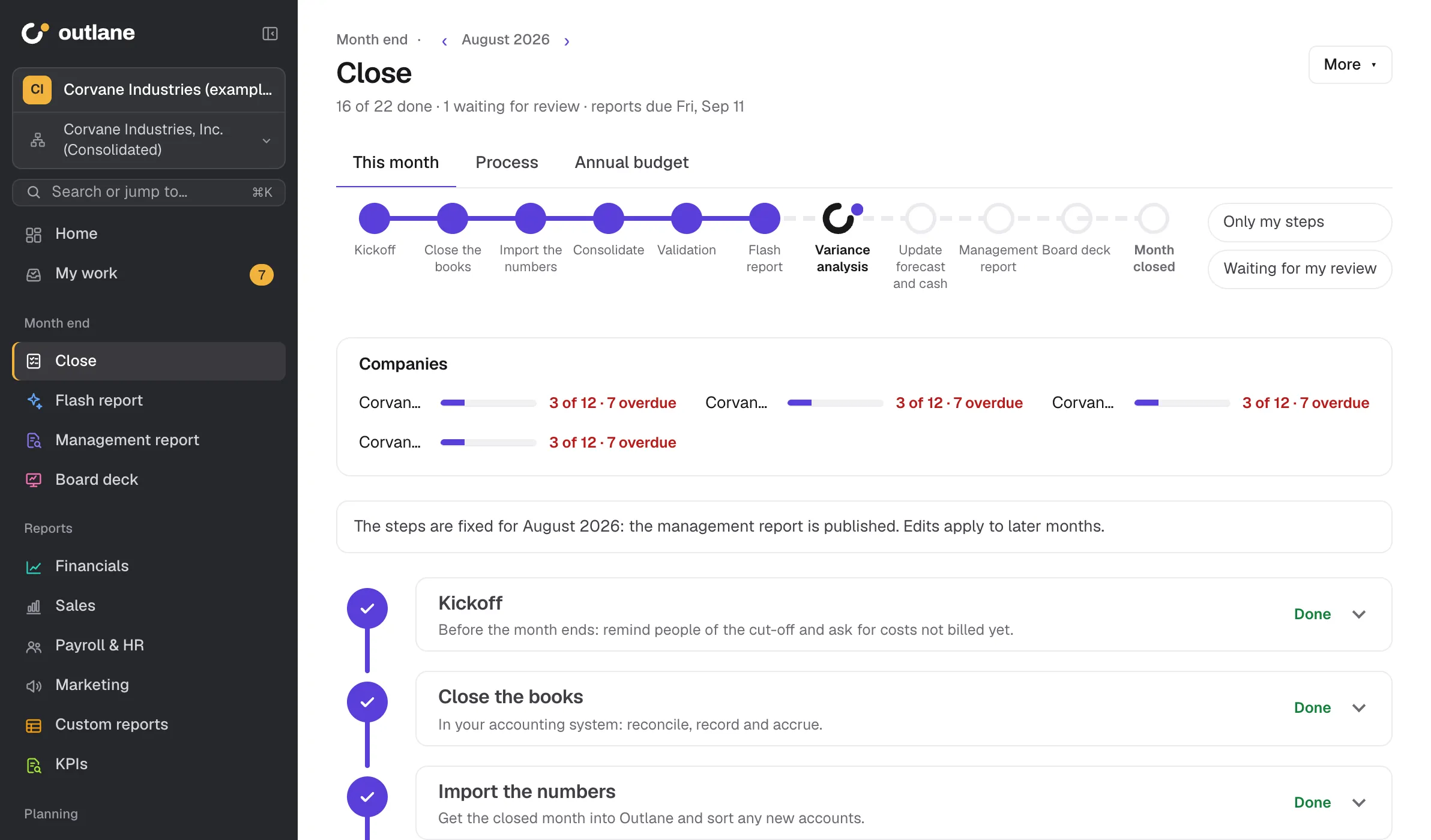
Lane flags late steps.
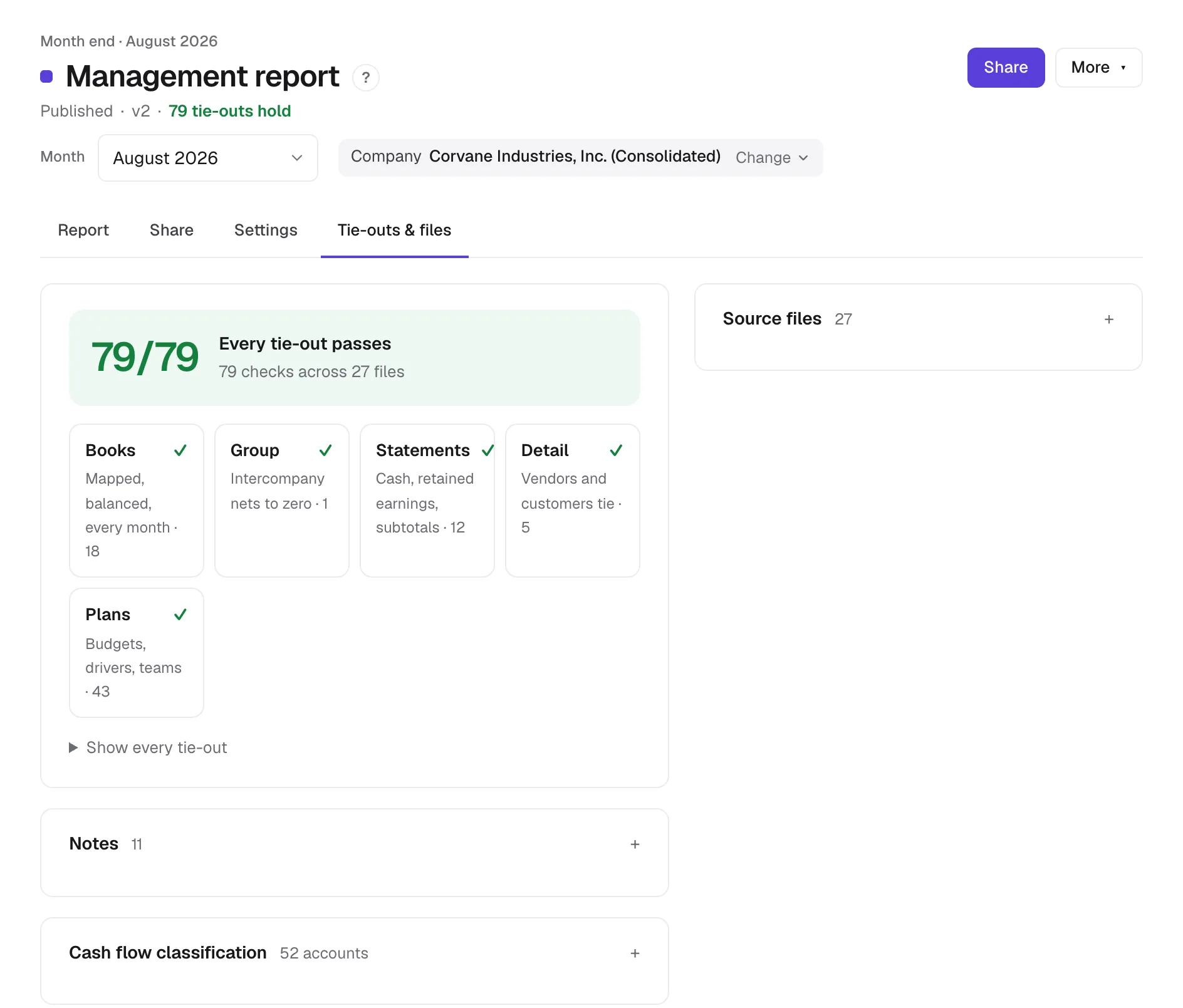
Drafts until the month ties.
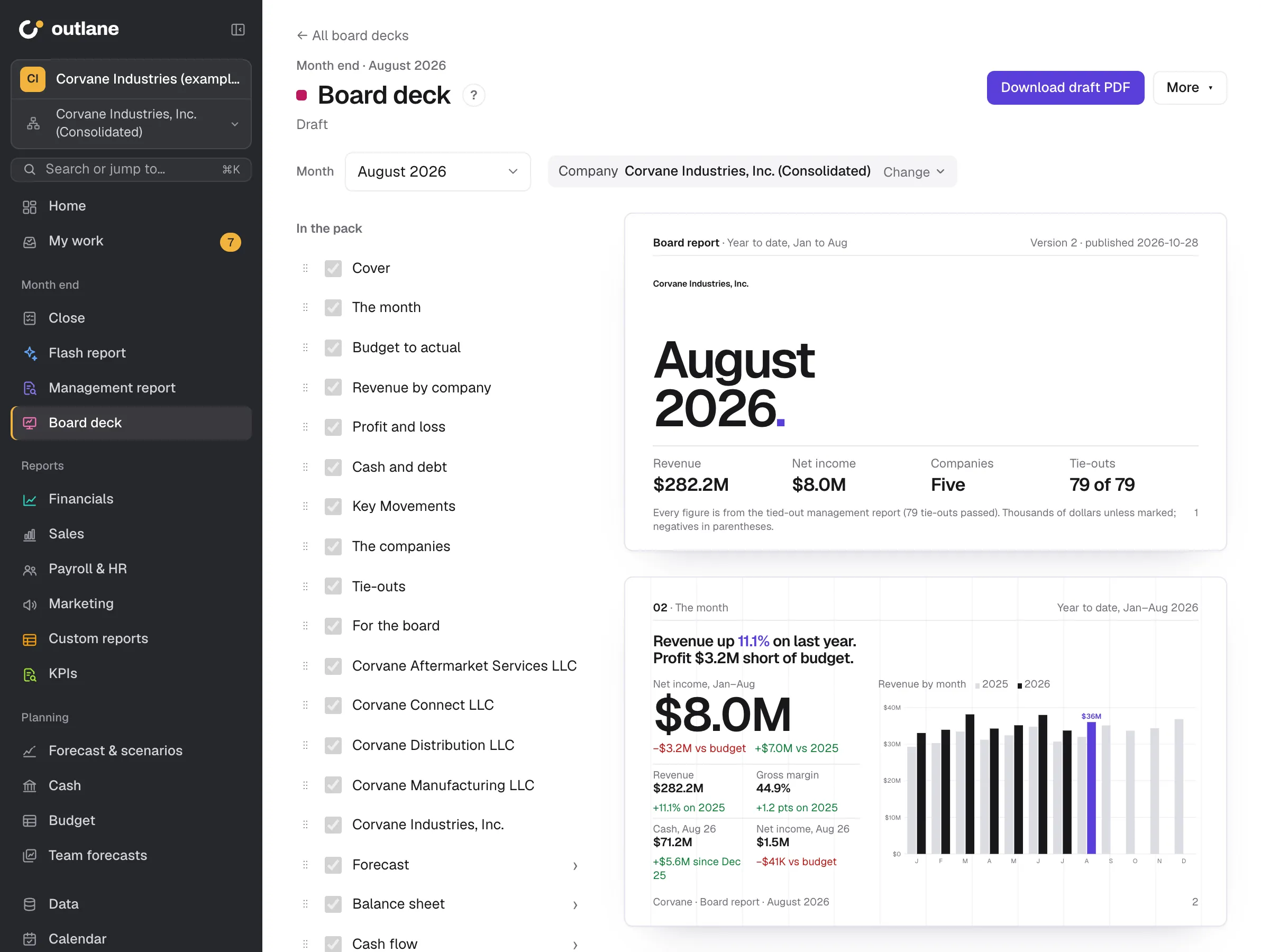
Board, lenders, investors. See who opened it.
Reports, history and files in one download.
Validation
Every upload runs the checks a reviewer would. If one fails, Outlane shows you the figure and the month stays a draft.
Payroll, Stripe, HubSpot and ad spend are checked too.
Matched an audited 10-K. All five tested consolidated totals matched. No elimination entries typed by hand.
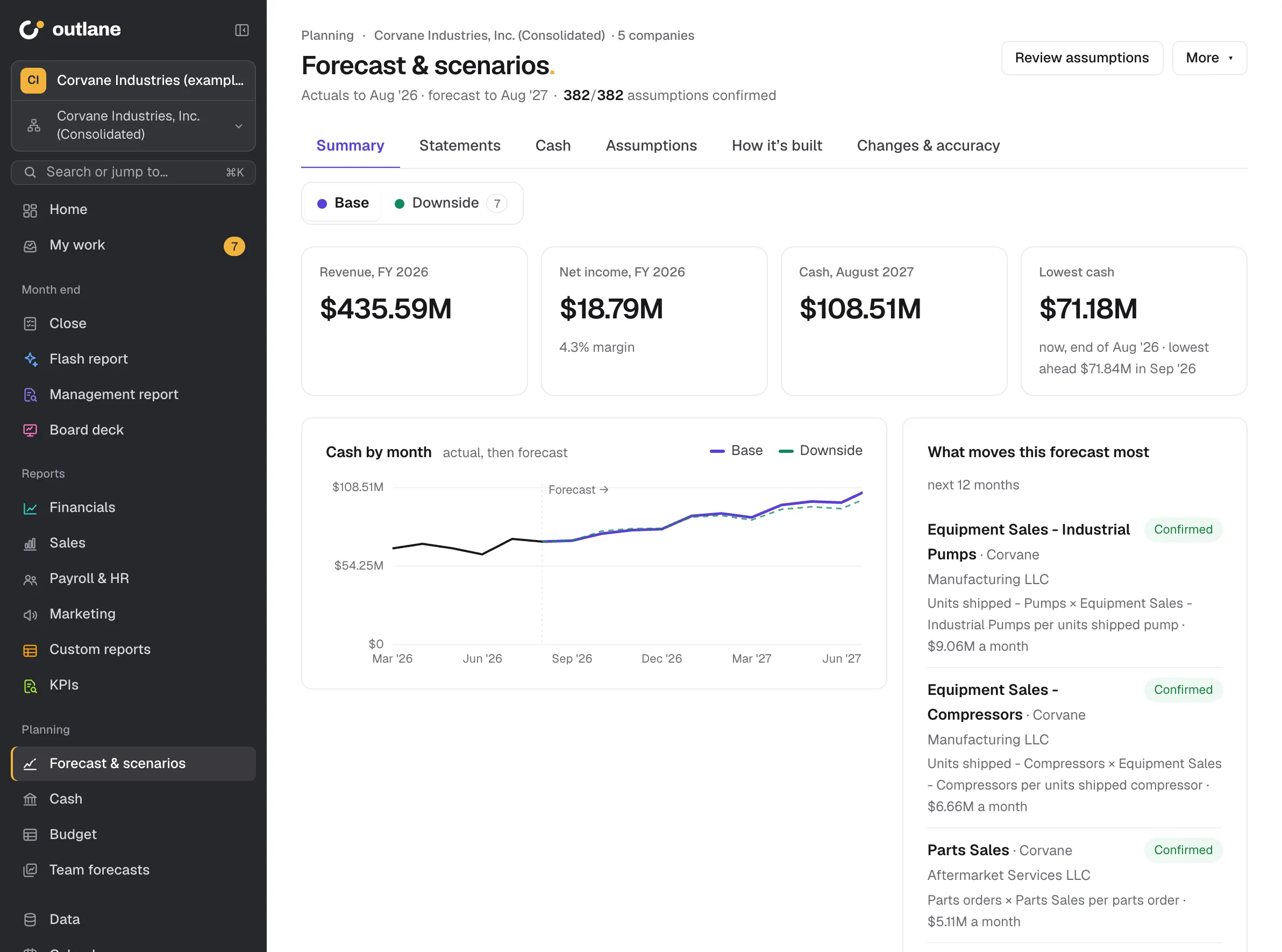
Budget and forecast
Start the budget from last year’s actuals, in Excel or Google Sheets.
Outlane finds the driver behind each line and shows the evidence. Change a driver and all three statements follow.
Revenue · Fernbank Café · Aug 2026
Historical fitFood Sales moves with Covers, r = 0.99 over 12 months. Your team confirms each driver before the forecast uses it.
Reporting
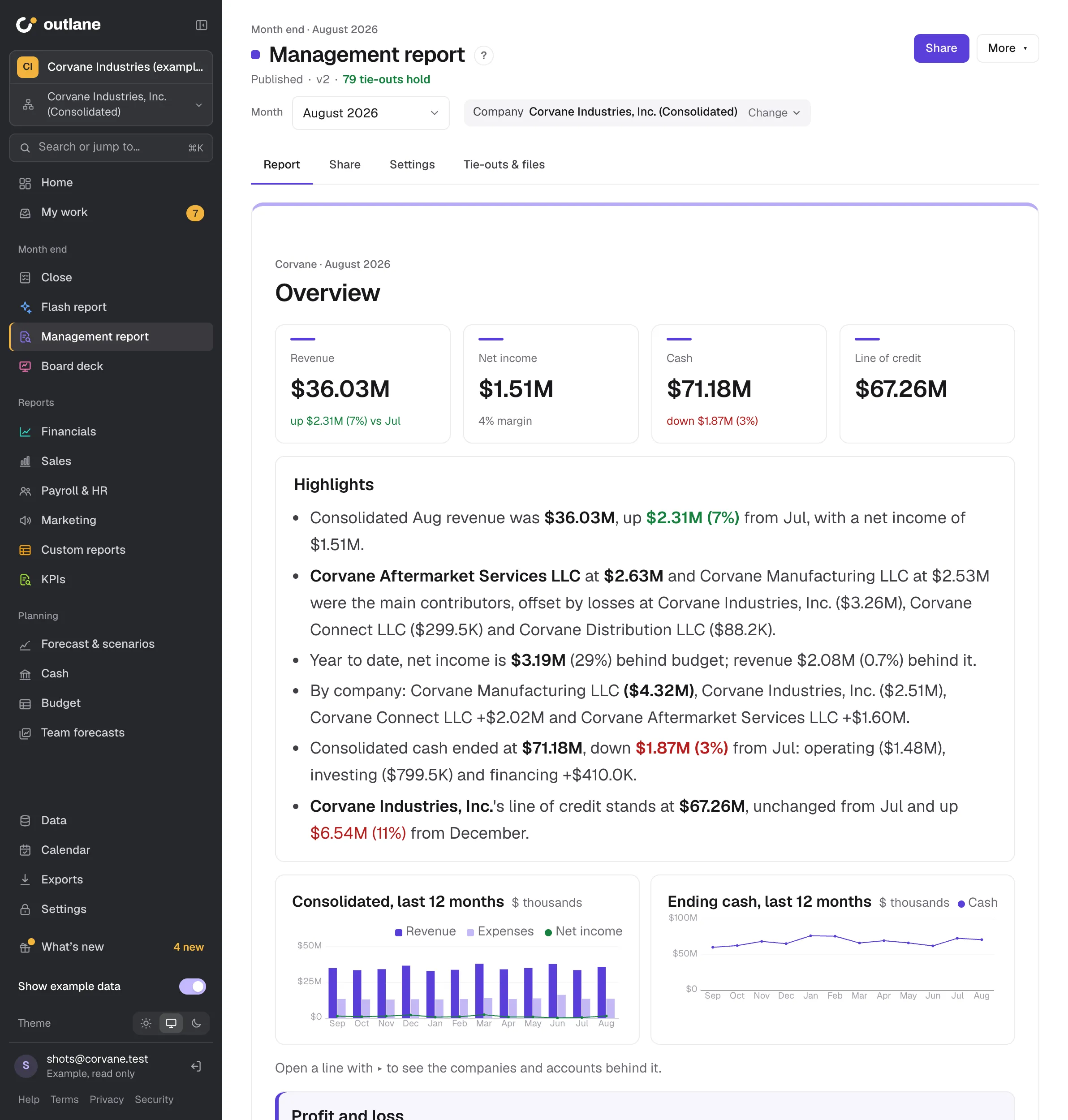
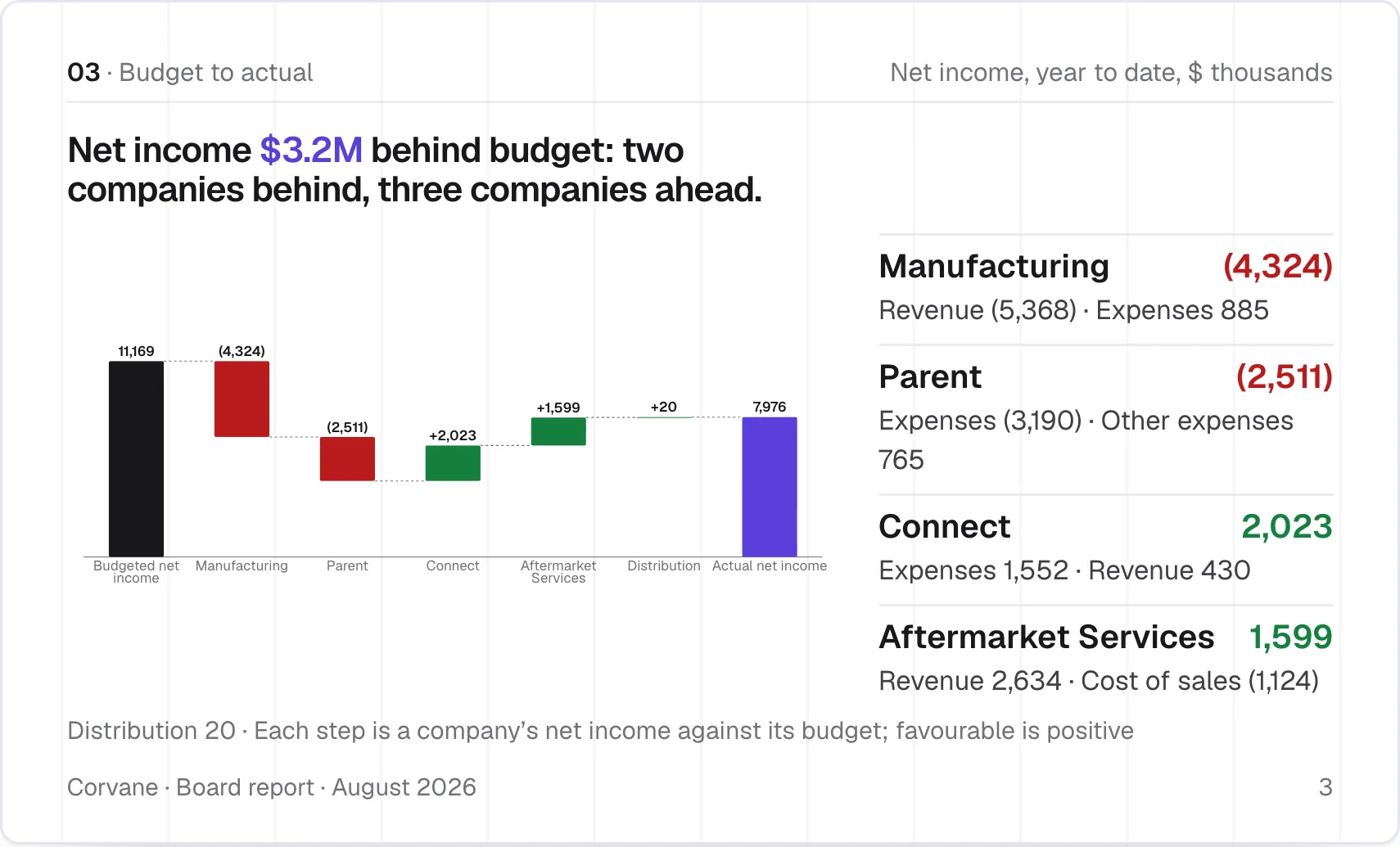
Several reports, one PDF.
Lane, your AI analyst
Every answer links to its source. Nothing changes until you approve.
Connections and control
Stripe, Gusto, HubSpot and ad-spend files too.
Never writes to your ledger.
AI suggestions wait for a person.
Prepare, review, approve.
I tried FP&A tools that promised automation. They meant months of setup, consultants, and models I couldn’t trace. Before every board meeting I was still in Excel, tying out numbers by hand.
I built Outlane around a different approach: connect the ledger, verify the numbers, and create board-ready reporting where every figure can be traced to its source.
Deepika Bajaj, CPAFounder
FAQ
Outlane runs every engagement of our outsourced accounting and finance team. Our team closes your books, validates the numbers, and builds your reports and forecast in it, and you sign in to see them.
Setup is part of every engagement. We connect your books and set up your close, reports and forecast, and you see the first reports after the first month we close.
No. Outlane reads from QuickBooks Online, NetSuite or Xero, or a monthly trial balance from anything else. It never writes back.
Yes. Six questions set up your steps, owners, reviewers and due days. Outlane ticks the steps it can see in your data and tells people when a step is theirs.
The review stays a draft and names the failed tie-out, company and month. Lane can point to the account behind it and offer the fix.
Lane answers questions from your books and links each answer to its source. It drafts write-ups, such as month commentary and a board summary. It also suggests mappings, drivers and scenario changes. A person accepts each one: AI never changes a number by itself. Outlane also works with AI turned off.
Lane sends the AI provider only the figures and names each answer needs. Settings › AI lists what each AI job sends. Each workspace has a monthly AI budget, set by an admin. When it is reached, AI features stop until the 1st or until the budget is raised.
Book a consultation
Outlane comes with every Outlane engagement: accounting, FP&A and CFO guidance for one monthly fee.
Pick a time for a call or email deepika@outlane.ai